
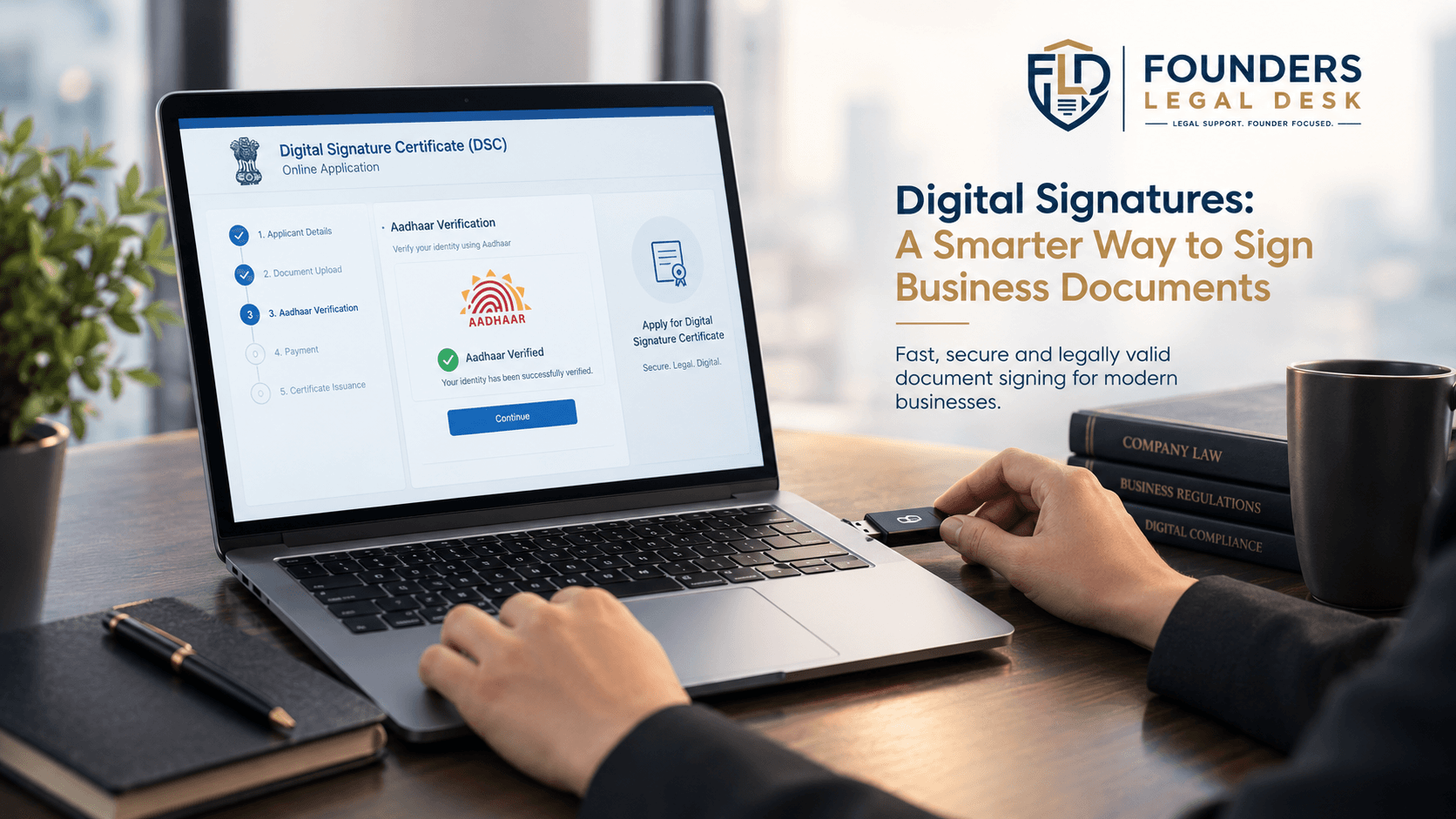
How to Apply for a DSC Online in India
Getting a Digital Signature Certificate (DSC) is easier than ever, but many applicants confuse buying a DSC with registering it on government portals.
This guide explains the complete process—from choosing the right certificate to activating and registering it for Income Tax, MCA, GST, and other portals.
Step 1: Identify Why You Need a DSC
Before applying, determine where you'll use it.
Common purposes include:
- MCA filings
- GST
- Income Tax
- Government tenders
- Trademark filing
- Patent filing
- DGFT
- EPFO
- ICEGATE
Different portals may require different certificate types.
Step 2: Choose a Licensed Certifying Authority
DSCs are issued by CCA-licensed Certifying Authorities, not directly by the government.
Always verify that your provider is licensed under the CCA framework before purchasing.
Step 3: Select the Right Certificate
Choose the correct combination based on your needs.
- Individual or Organisation
- Signing or Combo
- Required validity period
- USB token (where applicable)
Selecting the wrong certificate may prevent it from working on your intended portal.
Documents Required for DSC

The required documents vary slightly depending on the applicant.
Individual Applicants
Typically need:
- PAN
- Aadhaar or accepted identity proof
- Mobile number
- Email address
- Address details
Organisation Applicants
May need:
- Organisation details
- PAN
- Authorised signatory details
- Identity verification documents
- Authorisation documents
Identity verification is a mandatory part of the issuance process.
Can You Apply for a DSC Online?
Yes.
Many licensed providers now offer:
- Online application
- e-KYC
- Video verification
- Digital issuance
- Token activation
The certificate itself is still issued through the licensed Certifying Authority framework.
DSC Registration vs DSC Purchase
This is one of the biggest misconceptions.
| Buying DSC | Registering DSC |
| Obtain certificate | Link certificate to a portal |
| Issued by CA | Done on the portal |
| First step | Second step |
For example, after obtaining your DSC, you must separately register it on the Income Tax portal before using it.
How to Register DSC on the Income Tax Portal

The broad process is:
- Log in to the Income Tax portal.
- Open Profile Settings.
- Select Register DSC.
- Install the signing utility.
- Connect the USB token.
- Choose your certificate.
- Complete registration.
If your certificate expires later, the portal also provides re-registration options.
Can One DSC Work Across Multiple Portals?
Potentially, yes.
A single DSC may work across multiple government portals if those portals accept its certificate type and attributes. However, some applications may require additional certificate specifications.
Common DSC Problems
DSC Not Detected
Possible reasons:
- USB token not connected
- Missing drivers
- Signing utility not installed
- Browser compatibility issues
DSC Not Registered
Solution: Complete the portal-specific registration process.
Wrong Certificate Type
Always verify the portal's requirements before purchasing.
Security Tips
Your private signing key should remain under your control.
Never:
- Share your USB token casually.
- Give your PIN to others.
- Allow another person to sign using your certificate.
The CCA specifically advises that signature certificates should only be used by the subscriber.
Conclusion
Applying for a DSC involves more than simply purchasing a certificate. Choosing the correct certificate, completing verification, and registering it properly on the relevant portal helps avoid technical and compliance issues later.
To contact us
Email- legal@founderslegal.com
Number- +91 9711752388
Website- https://founderslegaldesk.com/
Next Read: Digital Signature Certificate (DSC) Price, Validity & Renewal in India.